Summary
In this lecture, we will cover the following:
- How to extract nodal displacements and rotations from the OpenSeesPy model,
- We will repackage OpenSeesPy results into the
UGvector format used by your existing code, - We will reuse helper functions to identify maximum displacements and their locations,
- We will extract support reactions from the solved model,
- You will check vertical force equilibrium as an initial validation step.
We begin by translating the OpenSeesPy results into the same data structure used by our custom solver. This means collecting each node's displacement and rotation components and placing them into a global displacement vector called UG. The benefit of doing this is that our existing helper functions and plotting tools can be reused without needing a separate result-processing workflow for OpenSeesPy.
We then use the repackaged displacement data to identify the maximum displacement and its location. We also extract reaction forces from the OpenSeesPy model and check whether the vertical reactions balance the applied loading. This equilibrium check gives us an important sanity check before relying on the results for comparison or visualisation.
Next up
In the next lecture, we will use the repackaged displacement results to plot the OpenSeesPy deflected shape and compare its appearance with our custom solver.
Tags
Please log in or enroll to continue
If you've already enrolled, please log in to continue.
Finite Element Analysis of Plate and Shell Structures: Part 2 - Shells
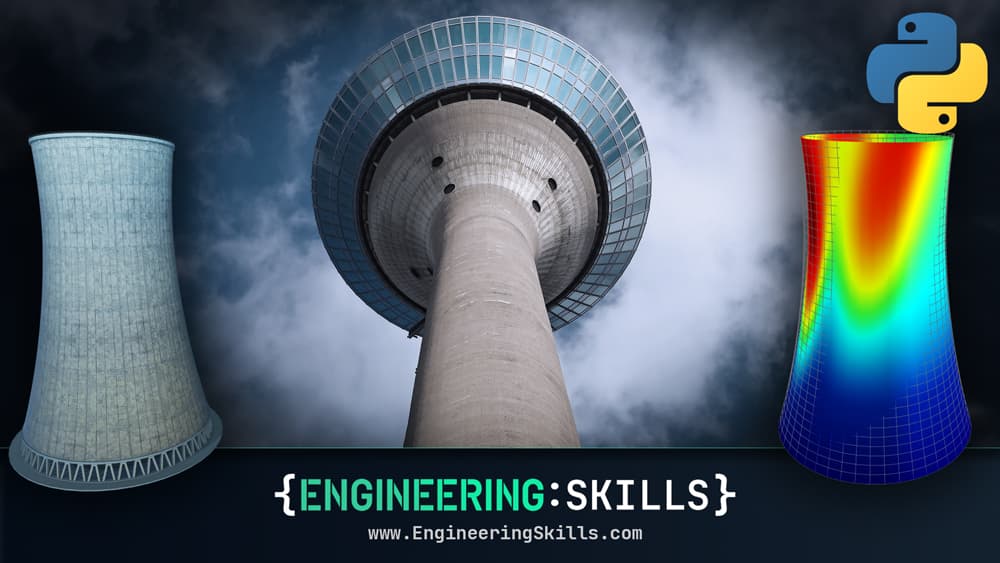
Expanding from plate to shell elements - build a workflow that unlocks the behaviour of 3D shell structures
After completing this course...
- You will understand how we make the leap from Reissner-Mindlin plate elements to shell elements and what extra modelling fidelity that provides.
- You will be comfortable using a combination of GMSH and the open-source 3D modelling software, Blender, to generate custom finite element meshes.
- You will be able to use OpenSeesPy to model shell structures, as an alternative to your own custom finite element solver.
- You will have a much greater understanding of what commercial finite element packages are doing, behind the UI, allowing you to authoritatively interrogate their results.