Summary
In this lecture, we will cover the following:
- How to calculate the local axis reference frame for each element,
- How to build and store the transformation matrix for each element,
- How to assemble the rotation matrix from the local axis vectors,
- How to convert global nodal coordinates into local coordinates for every element.
Our goal here is to take the functions we wrote in previous sections and apply them across every element in the mesh in one go. We'll start by bringing in the function that calculates the local , and unit vectors for an element, given the , and coordinates of its four nodes. The local x-vector is taken along the edge between the first two nodes, the local z vector is found from the cross product of two in-plane vectors, and the local y vector is the cross product of the z and x vectors. We then bring in the transformation matrix function, which simply takes these local axis vectors and builds the appropriate transformation matrix for the element.
Next, we initialise three arrays to store everything we will need later. The first is a 3D array with one slice per element holding each element's transformation matrix, the second is a 3D array holding each element's rotation matrix, and the third holds the local and coordinates of every node, with one slice per element.
We also use the rotation matrix to map the nodal coordinates from the global reference frame back into the local frame, taking the first node as the origin and expressing every other node relative to it.
Next up
In the next lecture, we'll take a short detour to visualise these local reference frames on each element, giving us a useful piece of visual confirmation before we start calculating element stiffness matrices.
Tags
Please log in or enroll to continue
If you've already enrolled, please log in to continue.
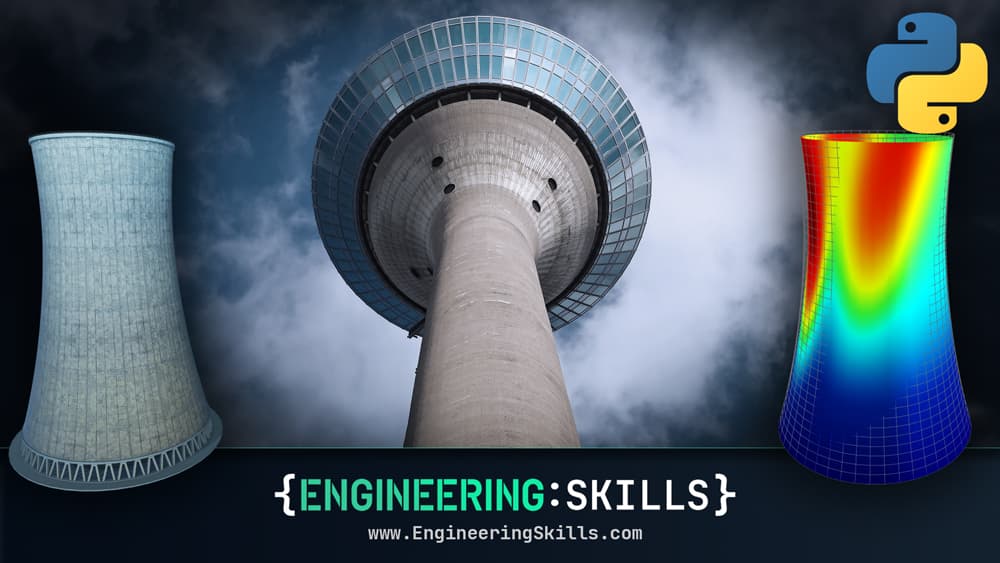
Finite Element Analysis of Plate and Shell Structures: Part 2 - Shells
Expanding from plate to shell elements - build a workflow that unlocks the behaviour of 3D shell structures
After completing this course...
- You will understand how we make the leap from Reissner-Mindlin plate elements to shell elements and what extra modelling fidelity that provides.
- You will be comfortable using a combination of GMSH and the open-source 3D modelling software, Blender, to generate custom finite element meshes.
- You will be able to use OpenSeesPy to model shell structures, as an alternative to your own custom finite element solver.
- You will have a much greater understanding of what commercial finite element packages are doing, behind the UI, allowing you to authoritatively interrogate their results.