IStructE NW - Python In Structural Engineering
![[object Object]](/_next/image?url=%2Fimages%2Fauthors%2Fsean_carroll.png&w=256&q=75)

I hope you found the Python demos at our IStructE NW talk interesting and they've left you wanting to learn more! It's tricky to cover much ground in a 6 minute demo, so, I've made all of my Python files from my talk available for you to download.
You will need to create a free EngineeringSkills account, then you can log in and the download button on this page will be enabled.
The following demos from my portion of the talk are based on, or closely on, existing tutorials on EngineeringSkills.com:
- Mesh generation with GMSH is based on Using Gmsh to generate finite element meshes for floor structures in Python.
- The footfall analysis portion is based on two tutorials; A practical guide to floor vibration serviceability assessment , and Calculating response factors for floor vibration and assessing performance.
You should dig into these tutorials if you want a more detailed explanation of the code and the theory behind it.
If this is your first time here, welcome to EngineeringSkills.com - an online platform for civil and structural engineers that focuses on engineering analysis and design, primarily through Python.
Now that you're here - take a look around. We've been building this library of tutorials, courses and projects for years now and we're adding new resources all the time. To help you get started, I'll point you towards some learning resources that will help you get started with Python.
Completely new to Python?
If you're completely new to Python, start here - A Python Programming Roadmap for Structural Engineers. It's an entry point that will direct you to a range of other tutorials, courses and projects. You don't even have to download anything to get started...you can start coding right now with our online Python environment. That said, we also cover how to set up your own local coding environment in the tutorial.
Want to see more open source analysis?
If, like me, you can see the potential in open source analysis tools, here are three great resources to explore and get started with:
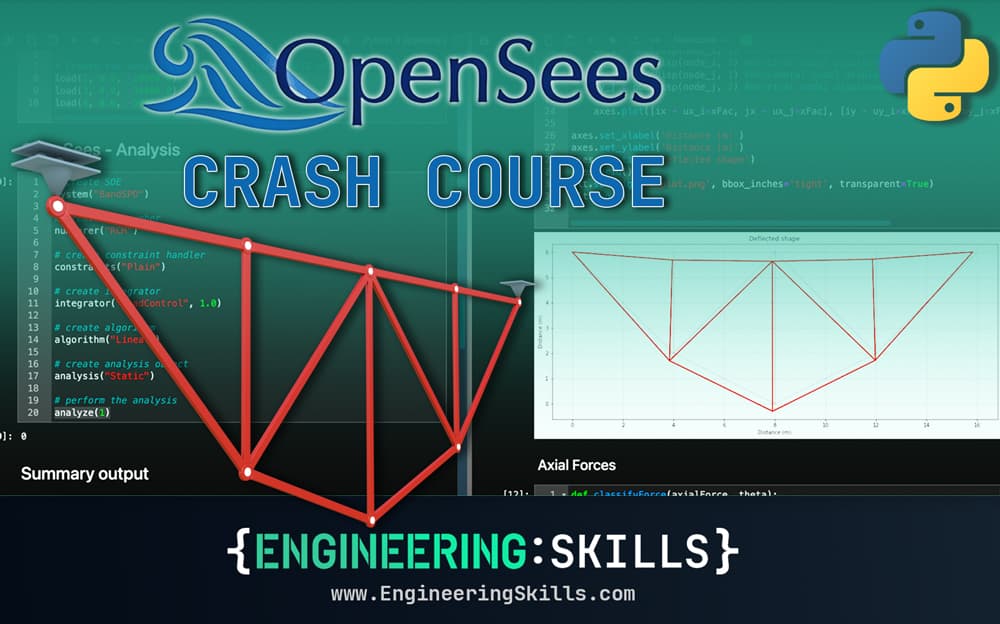
In this tutorial, we’ll take a first look at OpenSeesPy, a Python library for performing finite element analysis based on the OpenSees framework. By the end of this tutorial, you’ll be able to perform 2D truss analysis using OpenSeesPy. I suspect you’ll also be very keen to explore OpenSeesPy further after you see how powerful it is.
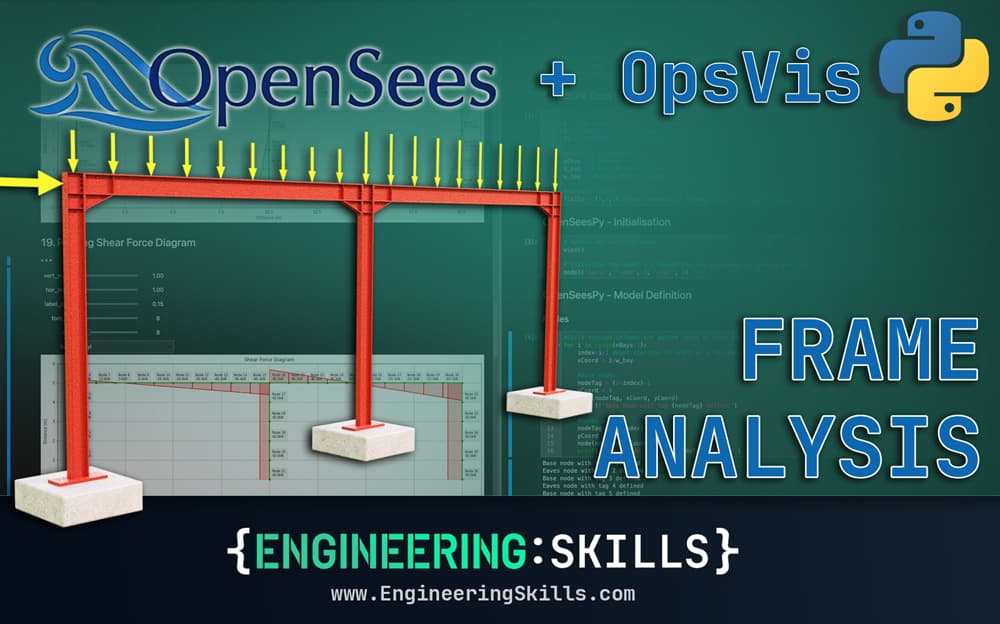
In this second tutorial in our series focusing on OpenSeesPy, we build a pipeline for the elastic analysis of a 2D portal frame structure. Along the way, we parameterise our code so we can specify the bay width and number of bays at the start of our pipeline. We also use another library, OpsVis, to visualise our model and results without having to write our own plotting code. By the end of this build, you'll understand how to do 2D frame analysis with OpenSeesPy and be comfortable expanding the code for more complex 2D structures. This is very similar to my first demo.
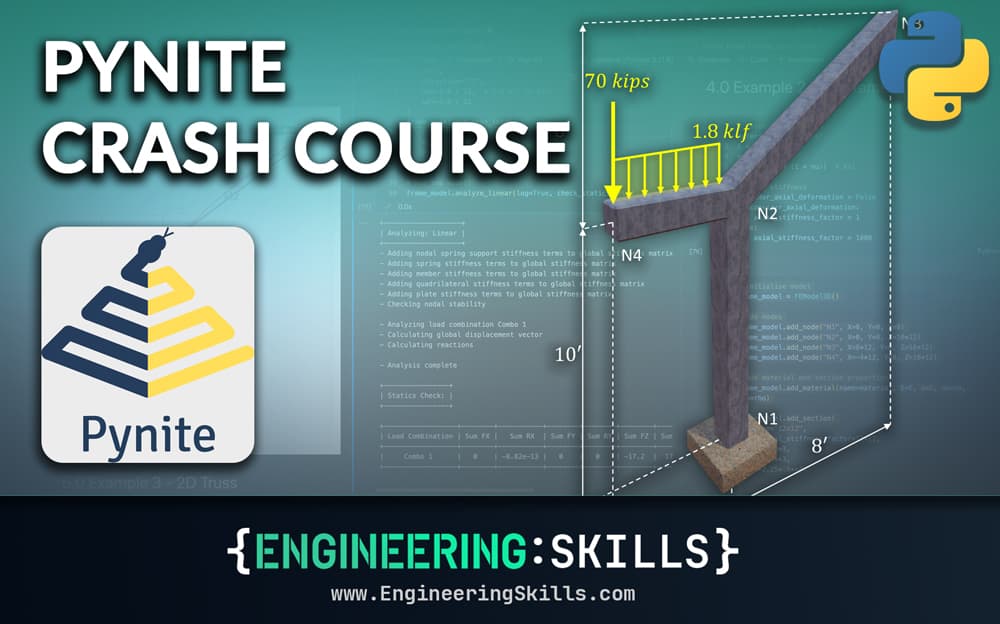
OpenSeesPy isn't our only option for open source finite element analysis - Pynite is another great option for analysis of relatively simple systems. In this tutorial, we'll work through 3 example structures and finish up with a real-world case study that combines Pynite with another open source library - sectionproperties.
Where to next?
These resources are a great place to start exploring Python as a civil or structural engineer. Once you get over the initial learning curve, you'll wonder how you ever managed without having the power of Python at your fingertips.
If you really want to dive in at the deep end and see what's possible with open source tools, here's my recent talk at this year's Blender Conference where I show how we can combine Blender (an open source 3D modelling tool) with OpenSeesPy and GMSH to create a fully open source pipeline for dynamic analysis of slabs.
If you've found these resources useful and want to unlock our complete library of video courses and member's tutorials, you can do so by becoming an All Access Member. This is a great option if you're serious about building your Python skills and want to do it alongside learning or refreshing your knowledge of engineering analysis and design.
All Access Membership
Learn, revise or refresh your knowledge and master engineering analysis and design
Access Every Course and Tool
- Over 1178 lectures & over 244 hours of HD video content
- Access member-only 'deep dive' tutorials
- Access all downloads, pdf guides & Python codes
- Access to the StructureWorks Blender addon + updates
- Packed development roadmap of courses & tutorials
- Price Guarantee – avoid future price rises as we grow
- Priority Q&A support
- Course completion certificates
- Early access to new courses
I'll wrap up here by saying thanks for attending our talk and thanks to the IStructE NW group for inviting me to contribute. Feel free to get in touch if you have any questions or feedback. You can contact me directly here or reach out to me on LinkedIn.
All the best,


Dr Seán Carroll's latest courses.
Featured Tutorials and Guides
If you found this tutorial helpful, you might enjoy some of these other tutorials.
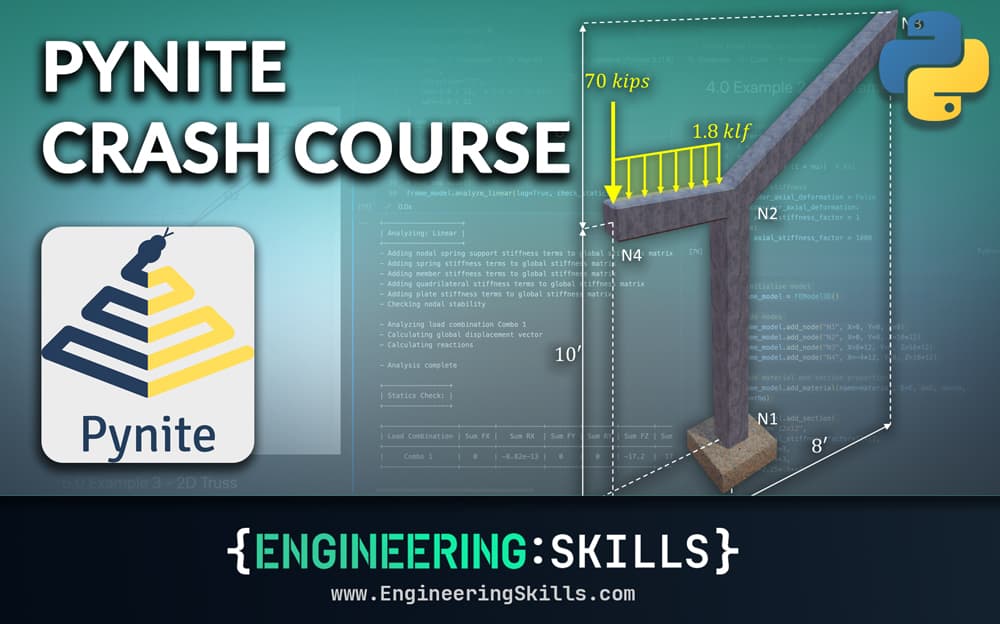
A Pynite Crash Course - Open Source Finite Element Modelling for Structural Engineers
Part 1 - Get hands-on with V1.0 of this exciting new Python FEA library

Dan Ki

Code, Context, and Calculation - A Modern Framework for Engineering
Building reliable and auditable systems with Python and AI

James O'Reilly
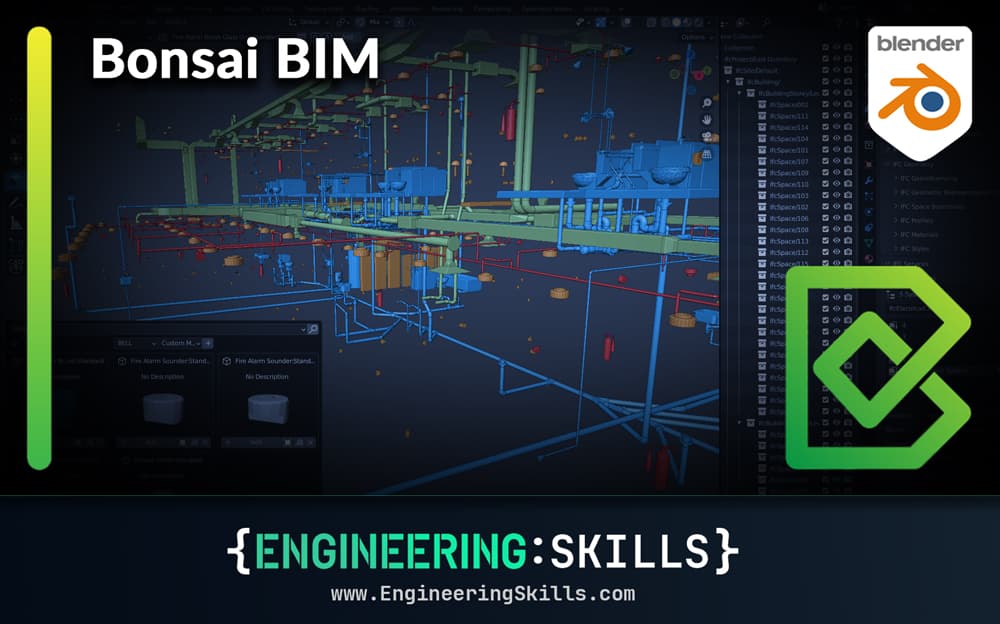
Bonsai BIM - The Essential IFC Tool for Structural Engineering Workflows
The IFC tool every structural engineer should have in their toolkit

Petru Conduraru