Analysing Indeterminate Beams and Frames using the Moment Distribution Method
![[object Object]](/_next/image?url=%2Fimages%2Fauthors%2Fsean_carroll.png&w=256&q=75)
In this tutorial we’ll explore the moment distribution method. This is an excellent technique for quickly determining the shear force and bending moment diagrams for indeterminate beam and frame structures.
We’ll start by getting a clear understanding of the steps in the procedure before applying what we’ve learned to a more challenging worked example at the end. Make sure to also watch the video that accompanies this tutorial 👇.
If you’re reading this, I’m assuming you’re already comfortable drawing shear force and bending moment diagrams for statically determinate beams. If you’re not, work your way through this tutorial first.
1.0 Introduction to the Moment Distribution Method
Let’s start by summarising the key features of the moment distribution method; the technique seeks to identify the bending moments at internal joints through an iterative process of applying balancing and redistribution or 'carry-over' moments.
Iterations continue, successively reducing and moment imbalance at internal joints, until moment equilibrium is achieved at all joints in the structure. With these internal moments established, span moments, shear forces and support reactions are determined using free body diagrams and simple statics.
We start by fixing all internal joints against rotation. This is often referred to as locking the structure. In a multi-span beam, this results in a series of beam segments, isolated from each other by locked joints. Next, we determine the bending moments that develop at each locked joint as a result of the loading on each beam segment. Because we've calculated the moments for each sub-span (between locked joints) in isolation, there will be a moment imbalance at each joint. At this point we enter the iterative moment balancing process; for each joint in turn, we:
- apply a balancing moment to eliminate the imbalance
- distribute the balancing moment between the members meeting at the joint, in proportion to their flexural stiffnesses
- carry over 50% of the distributed moment to the other end of each of the members meeting at the joint - assuming the adjacent joint is capable of resisting moments – we’ll clarify this below
This carry-over moment will now unbalance neighbouring joints that we've previously balanced. This means we need to repeat the balance and distribution process. This process repeats over and over again, however, with each iteration the moment imbalances at the internal joints in the structure become smaller and smaller.
As usual, the only real way to make sense of this is to watch it in action, so let’s work our way through a simple example.
Engineering tutorials,
written by an engineer — not a model.
Read the rest, download the resources and unlock the full archive. This is independent, human-crafted engineering content. An Essentials Membership gets you access to all member-only tutorials and helps keep the lights on for a learning platform built by engineers, for engineers.
Essentials Membership
- Instant access to the full archive
- 28-day refund, no questions
- Cancel anytime
- Your card and subscription are handled by Stripe
Already a member? Log in
Featured Tutorials and Guides
If you found this tutorial helpful, you might enjoy some of these other tutorials.

A Complete Guide to the Flexibility Method for Beam and Frame Analysis
Learn how we can use the flexibility method to solve statically indeterminate structures.

Julian Haudek

Strength Design of Singly-Reinforced Concrete Beams using ACI 318-14
A guide to ACI 318-14 - Building Code Requirements for Structural Concrete

Dan Ki
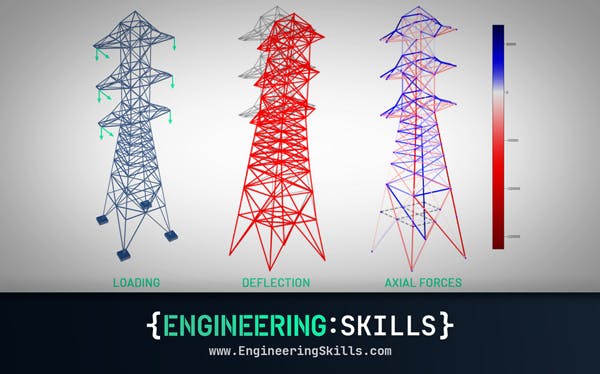
Truss Analysis using the Direct Stiffness Method
A complete introduction to the Direct Stiffness Method for truss analysis with a detailed numerical example

Dr Seán Carroll