Getting Started with Parametric Design in Grasshopper
![[object Object]](/_next/image?url=%2Fimages%2Fauthors%2Fdan_ki.png&w=256&q=75)
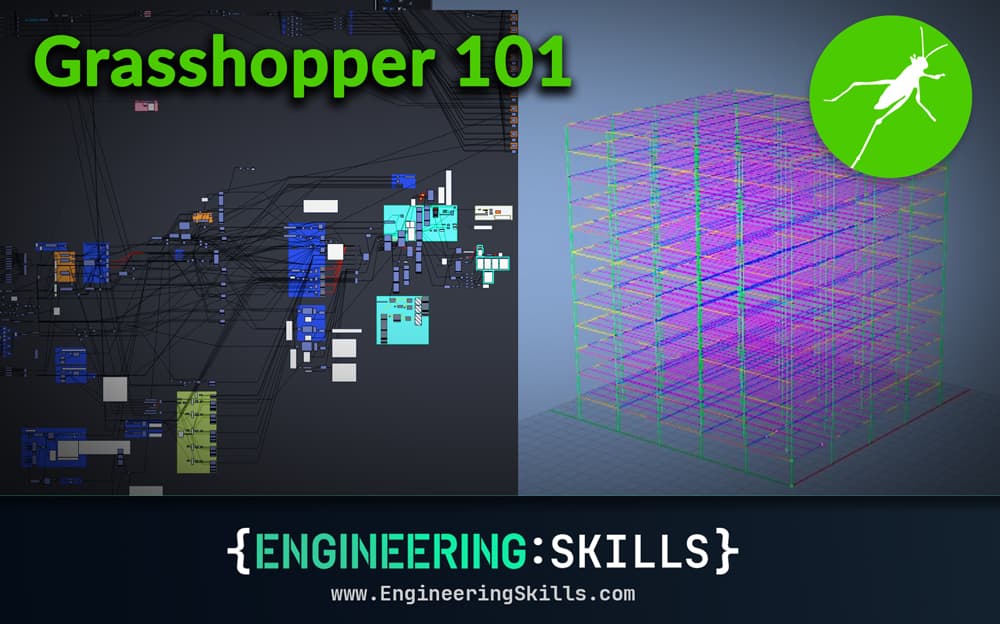
In this tutorial, Dan Ki provides the introduction I wish I had when I first started exploring Grasshopper. It's concise, practical and most importantly, it's focused on how Grasshopper can be useful for structural engineers - no abstract forms or high-brow concept architecture, just some practical parametric framing to get us started.
Tutorial breakdown
📍 1.0 Parametric Modelling
We start with a basic definition of parametric modelling.
📍 2.0 Grasshopper Basics
Then we move on to cover some of the basic components and concepts that you'll need to know to get started using Grasshopper.
📍 3.0 A Simple Example - Steel Building
After reviewing the basic building blocks, we see how these can be used to create a simple steel frame building. Make sure to download the Grasshopper file and explore the example for yourself. By digging around in the example file, you'll get a much better understanding of how the model comes together.
📍 4.0 A Note on Optimisation
Next, we'll briefly cover optimisation and flag some common pitfalls that you'll want to avoid.
📍 5.0 Expanding Capabilities With Plugins
One of the huge advantages of Grasshopper is the ability to use plugins to extend the functionality of the software. In this section, we'll cover some of the most popular plugins that can be useful for structural engineers.
📍 6.0 Best Practices
Probably the most important part of the tutorial - in this section, Dan covers some of the best practices for working in Grasshopper and maintaining manageable Grasshopper files.
📍 7.0 What Next?
Finally, we wrap up with some suggestions for what to do next in your journey with Grasshopper.
📂 Make sure to download the Grasshopper file (linked above) to explore as you read through the tutorial.

By now, most engineers have heard about Grasshopper. If you've been curious about it or always wanted to dive in but didn't know where to start, this tutorial is for you! We'll clarify not only what Grasshopper is, but also why and when you'd actually want to use it.
When I first started learning Grasshopper, I remember sifting through a plethora of tutorials online and YouTube videos showing cool twisty towers and neat looking Voronoi patterns applied to various surfaces. But as a structural engineer, I kept wondering, "what good is any of this to me?" If you are in the same boat, rest assured, this tutorial won't follow that path. Instead, I'm writing the primer I wish I'd had - a structural engineer's guide to Grasshopper, focused on practical applications and an actionable roadmap from day one.
We will use Rhino 8, but everything covered here is backwards-compatible with Rhino 7.
1.0 Parametric Modelling
Before we open Grasshopper, let's establish what parametric modelling actually means. The core principle is simple: if your calculations depend on variable parameters, you're creating a parametric model.
The simplest parametric model? A spreadsheet. Set it up once, change the inputs, and the calculations update automatically. If you've ever built a spreadsheet to design a concrete beam or calculate wind loads, congratulations - you're already a parametric modeller! I've even seen spreadsheets perform truss analysis - impressive, but seems a bit like cutting down a tree with a Swiss army knife: technically feasible, but not quite the right tool. But I digress...
We start with this broad concept because understanding parametric thinking transfers across tools - whether you're working in a spreadsheet, Python, or Grasshopper.
Engineering tutorials,
written by an engineer — not a model.
Read the rest, download the resources and unlock the full archive. This is independent, human-crafted engineering content. An Essentials Membership gets you access to all member-only tutorials and helps keep the lights on for a learning platform built by engineers, for engineers.
Essentials Membership
- Instant access to the full archive
- 28-day refund, no questions
- Cancel anytime
- Your card and subscription are handled by Stripe
Already a member? Log in
Featured Tutorials and Guides
If you found this tutorial helpful, you might enjoy some of these other tutorials.
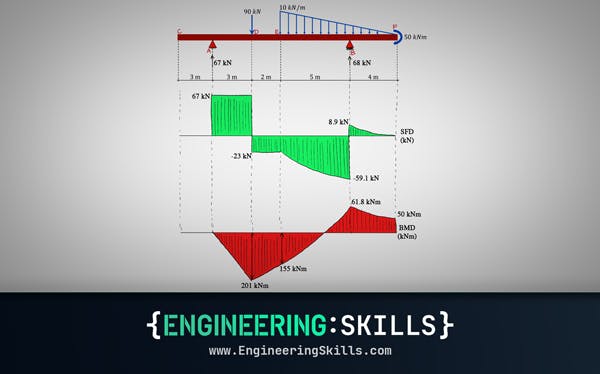
Shear and Moment Diagrams – An Ultimate Guide
[Updated] A thorough introduction to shear forces, bending moments and how to draw shear and moment diagrams with worked examples.

Dr Seán Carroll
Forces, Moment of a Force and Force Systems
Starting with the basics, we'll discuss forces, moments or torques generated by forces and how to evaluate systems of forces and moments
Dr Seán Carroll
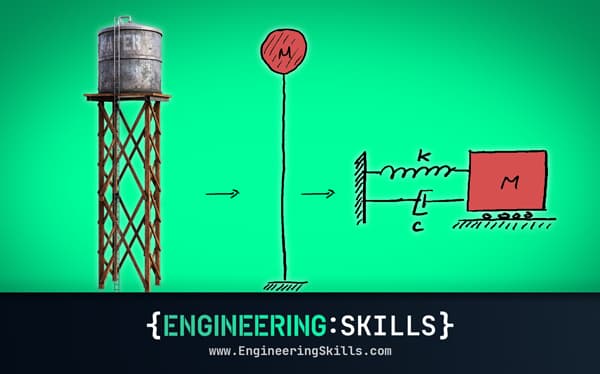
Understanding Structural Dynamics and Inertia
How and why dynamic analysis is performed instead of simpler static analysis
Dr Seán Carroll